

Zoho Integration

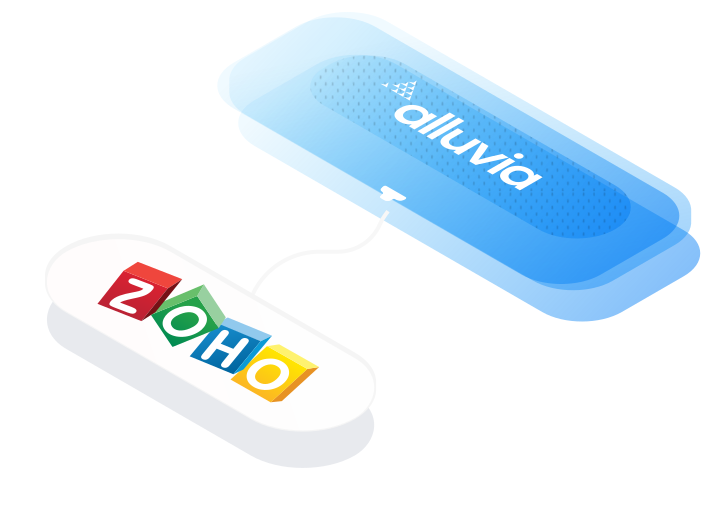
Zoho integration connects CRM, ERP, accounting, and ecommerce systems to create a unified view of your business operations. It automates data synchronization between sales, finance, and customer platforms, helping teams reduce manual work and maintain real-time visibility across every process.

Overview

Zoho integration links CRM with ERP, ecommerce, and marketing platforms to streamline lead management, order tracking, and customer communication. It ensures consistent and accurate data flow across systems, eliminating duplicate entries and improving team efficiency.

By automating workflows and consolidating business data, Zoho integration improves productivity, reduces time spent on manual updates, and provides real-time insights into customer activity, revenue, and performance across departments.

Preconfigured Zoho integration solutions use secure APIs and cloud-based middleware to connect CRM, ERP, and financial systems. They enable reliable data communication, enhance scalability, and ensure your operations remain flexible as your business grows.

Join 500+ companies already growing

use cases

80%

Faster Order Processing Zero Manual Work

The Alluvia Platform has been a breath of fresh air and has simplified what used to be a challenging process for our team. The support during the implementation was much appreciated and I hope that we can work on more projects in the future.

Read Customer Story
question zone

Frequently Asked Questions

No answer to your question? You can write us your question and we will answer as soon as possible.

/ 01
How does Alluvia integrate with Zoho applications?

Alluvia connects to Zoho’s REST APIs to automate data exchange between Zoho CRM, Zoho Books, Zoho Inventory, and your ERP, eCommerce, or EDI systems. It syncs customers, orders, invoices, payments, and products, keeping all platforms aligned without manual updates.

/ 02
Which Zoho products can Alluvia integrate with?

Alluvia supports integrations for Zoho CRM, Zoho Books, and Zoho Inventory, allowing complete automation from lead generation to order fulfillment and invoicing. Whether you’re managing sales, accounting, or stock, Alluvia connects Zoho data to your back-office systems in real time.

/ 03
How does Alluvia improve workflow automation for Zoho users?

Alluvia automates order creation, invoice posting, inventory synchronization, and payment reconciliation, ensuring that every customer transaction in Zoho is reflected in your ERP or accounting system instantly. This gives teams full visibility from quote to cash.

/ 04
Can Alluvia connect Zoho with eCommerce and ERP platforms?

Yes. Alluvia integrates Zoho with eCommerce, ERP, and marketplace systems, enabling seamless synchronization of orders, customers, and fulfillment data. It helps unify front-end sales activity with backend finance and logistics operations for a complete business view.

/ 05
How fast can a Zoho integration be implemented?

Most Zoho integrations are up and running in a few days, using prebuilt workflows for CRM, finance, and inventory management. The setup can be configured to match your Zoho modules, approval rules, and accounting structure – no coding required.

/ 06
What systems can Zoho connect to through Alluvia?

Alluvia integrates Zoho with SAP Business One, NetSuite, Acumatica, Microsoft Dynamics 365 Business Central, Microsoft Dynamics 365 Finance and Operations, Sage Intacct, and major eCommerce platforms like Shopify, BigCommerce, and WooCommerce. It also connects to HubSpot, Salesforce, and EDI trading partners, creating a unified ecosystem that links sales, accounting, and fulfillment data across your business.

image alt
Get Started

Smart Solutions Start with Simplicity

Let us show you how quickly you can connect your ERP to ecommerce and marketplace systems using a simple drag-and-drop mapping interface powered by flexible integration architecture. Alluvia is a plug-and-play solution at a cost you can control.