

Woo Commerce Integration

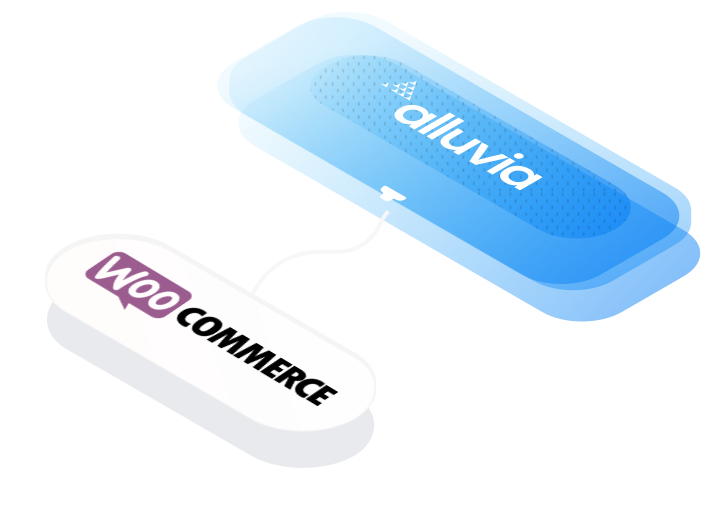
WooCommerce integration connects your ecommerce storefront with ERP, CRM, accounting, and fulfillment systems, automating data exchange to eliminate manual tasks, improve accuracy, and ensure real-time visibility into orders, inventory, and customer activity.

Overview

WooCommerce integration links your online store with ERP, POS, marketplaces, and CRM platforms to synchronize product data, customer records, inventory updates, and transactions across your entire ecosystem.

By centralizing ecommerce data and automating workflows, WooCommerce integration enhances operational efficiency, reduces manual entry, and provides real-time insights into revenue performance, order status, and customer behavior.

Preconfigured WooCommerce integration solutions use secure APIs and cloud-based middleware to automate order processing, manage inventory synchronization, and scale operations across multiple sales channels with ease.

Join 500+ companies already growing

use cases

80%

Faster Order Processing Zero Manual Work

The Alluvia Platform has been a breath of fresh air and has simplified what used to be a challenging process for our team. The support during the implementation was much appreciated and I hope that we can work on more projects in the future.

Read Customer Story
question zone

Frequently Asked Questions

No answer to your question? You can write us your question and we will answer as soon as possible.

/ 01
How does Alluvia integrate with WooCommerce?

Alluvia connects directly to WooCommerce’s REST API to automate the flow of orders, products, inventory, pricing, customers, and fulfillment data between WooCommerce and your ERP, CRM, or EDI platforms. Every sale, update, and return is synchronized automatically, eliminating manual entry.

/ 02
What workflows can Alluvia automate for WooCommerce users?

Alluvia automates order creation, invoice posting, inventory updates, and shipment tracking. When an order is placed in WooCommerce, Alluvia sends it to your ERP for processing, updates stock levels, and pushes shipment details back to WooCommerce in real time.

/ 03
How does Alluvia handle product and variant synchronization in WooCommerce?

Alluvia syncs SKUs, attributes, variants, categories, pricing rules, and stock quantities from your ERP to WooCommerce. It also supports bi-directional updates, ensuring that both systems always reflect accurate product and inventory information.

/ 04
Can Alluvia support multiple WooCommerce stores or B2B/B2C setups?

Yes. Alluvia supports multi-store and hybrid B2B/B2C configurations, allowing multiple WooCommerce storefronts to connect to a single ERP. Each store can maintain separate catalogs, price lists, or fulfillment rules while sharing a unified data source.

/ 05
How quickly can a WooCommerce integration be deployed?

Most WooCommerce integrations are implemented in just a few days, using Alluvia’s preconfigured workflows for eCommerce, fulfillment, and EDI automation. The integration is flexible and can adapt to your existing posting logic and system architecture.

/ 06
What systems can WooCommerce connect to through Alluvia?

Alluvia integrates WooCommerce with SAP Business One, SAP S/4HANA, NetSuite, Acumatica, Microsoft Dynamics 365 Business Central, Microsoft Dynamics 365 Finance and Operations, Sage Intacct, and leading EDI trading partners. It can also connect with HubSpot, Salesforce, and ShipStation, enabling a unified flow between sales, finance, fulfillment, and CRM operations.

image alt
Get Started

Smart Solutions Start with Simplicity

Let us show you how quickly you can connect your ERP to ecommerce and marketplace systems using a simple drag-and-drop mapping interface powered by flexible integration architecture. Alluvia is a plug-and-play solution at a cost you can control.